The CAD software you're using hasn't really changed. The bill has.
There's a particular ritual that happens in engineering offices every spring. The renewal invoice lands in the inbox. Someone forwards it to the finance director. The finance director forwards it back with a single-word reply: "Really?" Then everyone shrugs, approves it, and goes back to their drawings.
If that sounds familiar, you're not alone. AutoCAD has been the de facto standard in UK engineering and architecture for decades, and for decades, firms have renewed almost on autopilot, because switching felt risky, complicated, and frankly not worth the distraction.
But the CAD landscape in 2026 looks very different to even five years ago. And ZWCAD 2027, the latest version from ZWSOFT, launched in Beta this spring, is a compelling argument that the treadmill doesn't have to run forever.
UK-based architects, structural engineers, civil engineers, design consultants, and CAD managers who are evaluating their current software, whether they've heard of ZWCAD before or not. Price isn't the focus here. Productivity is.
First: who actually makes ZWCAD?
This matters more than most software reviews admit. The number one unspoken concern when evaluating any AutoCAD alternative is: will this company still be here in five years? It's a fair question.
ZWSOFT was founded in 1998, the same year Google was incorporated, to put that in context. For over 25 years, they have focused on a single mission: build professional-grade CAD and design software that gives engineers and architects the tools they need without the enterprise price tag that's become the industry norm.
Today, ZWSOFT serves over 1.4 million users across 90+ countries, including 149 Fortune 500 corporations. This is not a startup trying to undercut a market leader. It is a mature engineering software business with a 25-year track record, a global support network, and, crucially, an R&D team that has been rebuilding core components of ZWCAD from the ground up to prepare for this generation of releases.
"ZWCAD helps customers switch from their current CAD with less disruption, better cost control, higher productivity, and easier participation in BIM workflows."
ZWSOFT Product Positioning, 2026In the United Kingdom, Cygnas Solutions Limited is the authorised Gold Reseller for ZWCAD. We've helped over 100 UK firms transition their CAD workflows, from small architectural practices to mid-sized structural engineering consultancies, and we provide UK-based technical support, hands-on onboarding, and ongoing consultancy throughout the process.
What ZWCAD 2027 is actually trying to do
Before diving into features, it's worth understanding how ZWSOFT itself frames this release. Their message house, the internal positioning document that guides all marketing for ZWCAD 2027, is built on four pillars. We think they're worth sharing plainly, because they tell you a lot about who this software is really for.
Switch Smoothly, With Less Risk. ZWCAD is DWG-native. It reads and writes the same files as AutoCAD. Your existing drawing assets, templates, layers, and standards all come across. The interface and command logic are familiar enough that retraining effort is minimal. The message here isn't "switching is effortless" (it never is), but it's meaningfully lower-risk than it used to be.
Control Costs Better Over Time. This isn't about being the cheapest option on the market, and ZWSOFT are explicit that they don't want to be positioned that way. It's about flexibility: ZWCAD offers both perpetual licences (you own it outright) and term-based subscriptions, giving firms the ability to align software costs with actual business needs rather than accepting a vendor's preferred billing model.
Improve Everyday Efficiency and Team Output. This is where ZWCAD 2027 does its most interesting work. The philosophy of this release is that the biggest productivity gains don't come from flashy headline features. They come from eliminating the hundred small frictions that accumulate across a working week. More on this shortly.
Stay Connected to BIM Workflows. ZWCAD is not trying to replace Revit. Full stop. But as BIM becomes embedded in more UK projects, particularly in infrastructure and public sector work, the ability to participate in BIM workflows without requiring every team member to hold a full BIM authoring licence is genuinely valuable. ZWCAD 2027 takes a significant step forward here.
What's actually new in ZWCAD 2027
The theme of this release, as ZWSOFT's own presenter put it, is "one-click." Not as a gimmick, but as a design philosophy. Where previous versions required a sequence of commands, 2027 collapses them into a single action. Let's look at the significant ones.
This is arguably the headline capability of the 2027 release, and it solves a very specific frustration that's become increasingly common in UK practices: a client or structural engineer sends you a Revit model, and you don't have, or don't want to pay for, a Revit licence just to extract the information you need from it.
ZWCAD 2027 now imports RVT files natively, supporting Revit versions 2015 through 2025. On import, ZWCAD automatically extracts categories, families, materials, and layer structures, giving you a clean, manageable layer panel in your familiar CAD environment. Combined with the new 3D Section View, you can inspect, section, and annotate Revit models without ever opening Revit.
It's worth being clear on what ZWCAD is not: it's not a BIM authoring tool and it's not positioning itself as a Revit replacement. It's a highly capable CAD companion that now speaks BIM, which is exactly what a lot of UK design teams actually need.
Anyone who has spent time trying to understand a complex 3D model by rotating it endlessly on screen will appreciate this. ZWCAD 2027's new Section View commands let you slice through any 3D model, using box or plane sections, to immediately see what's inside without destructive editing.
Importantly, this works across DWG objects, RVT files, and IFC models. For multi-disciplinary project teams passing models between structural, MEP, and architectural disciplines, this is a practical tool that reduces the back-and-forth of "can you send me a section at grid line C?" requests.
Quantity surveyors and project engineers will know this pain intimately: extracting data from a set of drawings to populate a bill of quantities or a project schedule. In previous versions of most CAD software, this meant opening each drawing individually, extracting what you needed, and copying it across. A tedious, error-prone process that scales badly as drawing sets grow.
ZWCAD 2027's enhanced data extraction runs across multiple drawings simultaneously. Templates are reusable, meaning once you've defined what you want to extract, you run it again with one click on the next project. And critically, if a source drawing changes, the extracted data updates automatically, which eliminates a whole category of coordination errors.
Paired with the new coordinate extraction tool, which pulls coordinate data into a formatted table in seconds, and the area/perimeter calculation updates, this is a genuine step-change for teams doing quantity takeoff work.
Performance: 150% faster block editing, and it shows
In-place block editing is one of those tasks that feels fine until you're working inside a large assembly drawing, at which point every session of double-clicking into a block to make a small change becomes a test of patience as your screen freezes for several seconds.
In ZWCAD 2027, in-place block editing is over 150% faster than the previous version. File open and save times have also improved, and map loading speeds, for teams working with GIS or geospatial data, are up 50%. These aren't glamorous updates, but they're the kind that make a real difference to how the software feels on a heavy working day.
This one is easy to overlook until you've watched a large-format plotter chew through an entire roll of paper printing one drawing per sheet because nobody thought to nest the layouts properly. Smart Merge automatically calculates the optimal arrangement of drawing layouts across your output sheets, with real-time preview before you commit.
For teams printing large drawing sets on roll-format plotters, the paper savings are real. For teams submitting planning drawings or statutory submissions, it also produces cleaner, more professional-looking output. Small feature, meaningful impact.
Ask any CAD manager and they'll tell you: the most common drawing that gets sent around on collaborative projects is one with chaotic Xref colours that make it nearly impossible to focus on the actual design work. Everyone knows it's a problem. Nobody has time to fix it properly.
ZWCAD 2027's Xref Display update lets you batch-override layer colours for all external references in one click, instantly turning everything grey, or whatever you prefer, without touching the source files. Better still, you can create rules that apply automatically whenever an Xref is attached, ensuring consistency across your entire team without relying on anyone remembering to do it manually.
The refreshed interface: more space, less visual noise
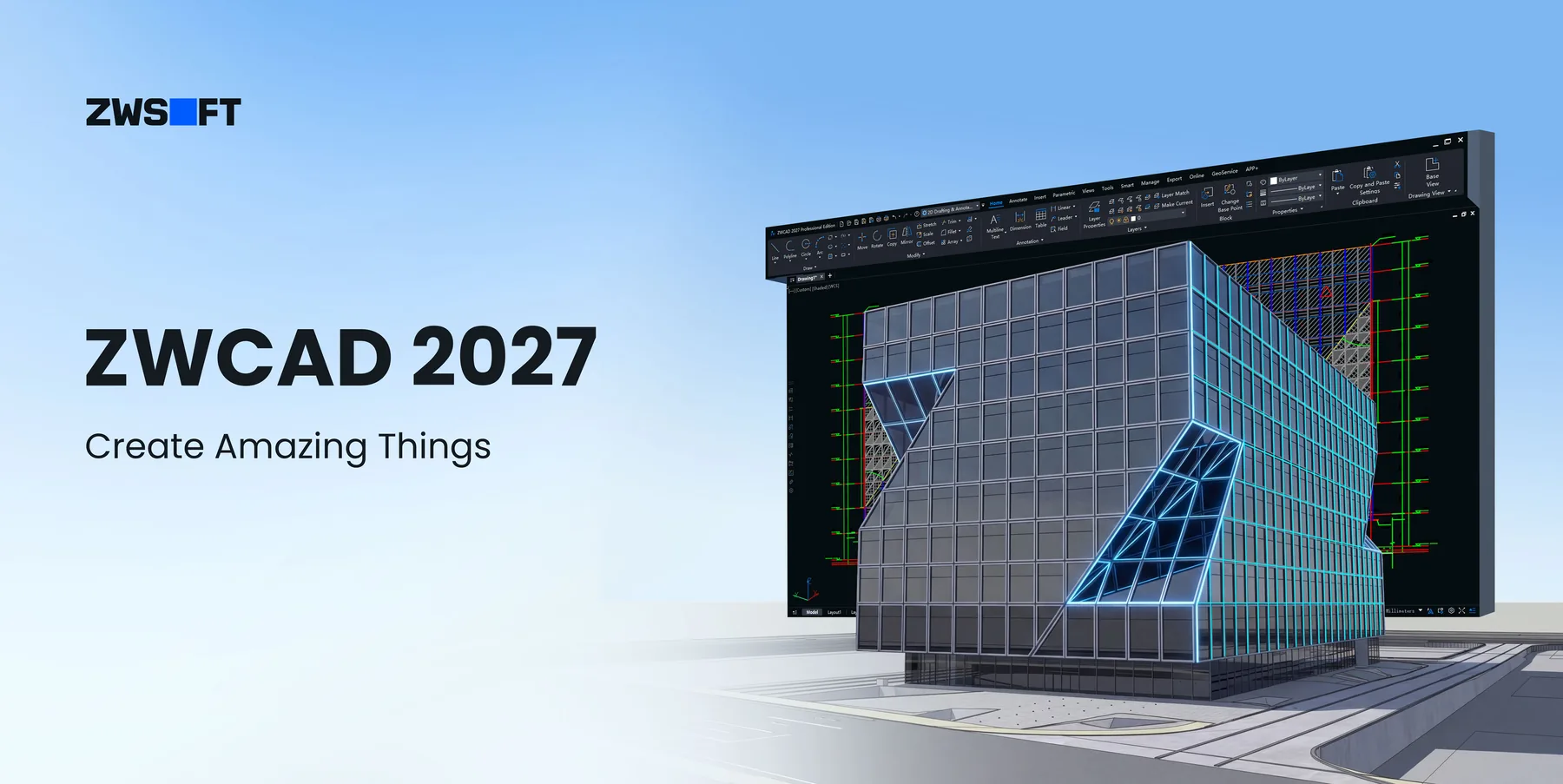
ZWCAD 2027 also ships with a refreshed interface: unified colour scheme, redesigned icons, and a layout that increases the drawing area by 15%. It's the kind of update that sounds minor in a feature list but makes a meaningful difference when you're staring at it for eight hours. The redesigned icons are more intuitive, the visual fatigue reduction is real, and the extra drawing space is particularly appreciated on laptop screens.
ZWCAD 2027 vs AutoCAD 2027: the honest comparison
We're not going to tell you AutoCAD is a bad product. It isn't. But there are some concrete, factual differences that are worth laying out clearly.
The full comparison runs much deeper than a blog article can. See the ZWCAD 2027 comparison page or contact us to request the complete document.
Who is ZWCAD 2027 built for in the UK?
Based on our experience transitioning over 100 UK firms, here's where ZWCAD tends to deliver the most obvious value:
- Structural and civil engineering consultancies running AutoCAD LT or full AutoCAD on multiple seats, where the annual licence spend has become a recurring frustration at board level.
- Architectural practices receiving Revit models from structural engineers and spending time on workarounds to extract information they need in 2D.
- Design teams doing quantity takeoff or coordinate-heavy work, where the data extraction and coordinate tools alone justify the evaluation.
- Firms with mixed project types who want the flexibility of choosing between perpetual and subscription licensing rather than being locked into a single model.
- University departments and educational institutions running AutoCAD lab licences, where multi-seat costs add up quickly and ZWCAD's academic pricing offers meaningful savings.
It's also worth noting what ZWCAD isn't ideal for, at least in its current form. If your workflow is built around Revit as a primary authoring environment, or if you need advanced 3D solid modelling within the same tool, ZWCAD's Standard edition is a 2D-first product, while Professional extends the capability set. And if your firm runs bespoke LISP routines or .NET plugins that are deeply embedded in your AutoCAD workflow, migration will require testing those carefully, though ZWCAD supports the same API interfaces.
What does switching actually involve?
The honest answer: less than most people expect, more than some vendors admit.
The DWG compatibility means your drawing files open cleanly. The command logic is familiar enough that experienced AutoCAD users are typically productive within a few days, not weeks. The interface is recognisably similar. Existing templates, CTBs, and layer standards carry across.
Where it takes longer is in the institutional knowledge: the accumulated muscle memory of keyboard shortcuts, the custom tool palettes someone built three years ago, the LISP routines that run your title block numbering. None of these are insurmountable, but they all take time.
This is exactly why we offer a guided trial rather than just a download link. When you register for the ZWCAD 2027 Beta through Cygnas Solutions, you get a 30-minute onboarding call with a UK-based technical consultant who has actually done this migration before, not a chatbot, not a generic knowledge base article.
Ready to try ZWCAD 2027 Beta?
Register through Cygnas Solutions and get a personalised setup guide, dedicated onboarding call, and UK-based support throughout your trial, completely free of charge.
No spam. No automatic enrolment. Just a real person, actually helping.